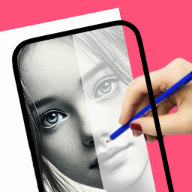
Turn photos into cleaner drawing references
Built for people who want a simple path from idea to real drawing practice on iPhone or iPad.
photo to sketch app
Photo-to-sketch users want a fast transformation, but our advantage is the second step: using the sketch as a drawing guide on paper.
Real drawing videos
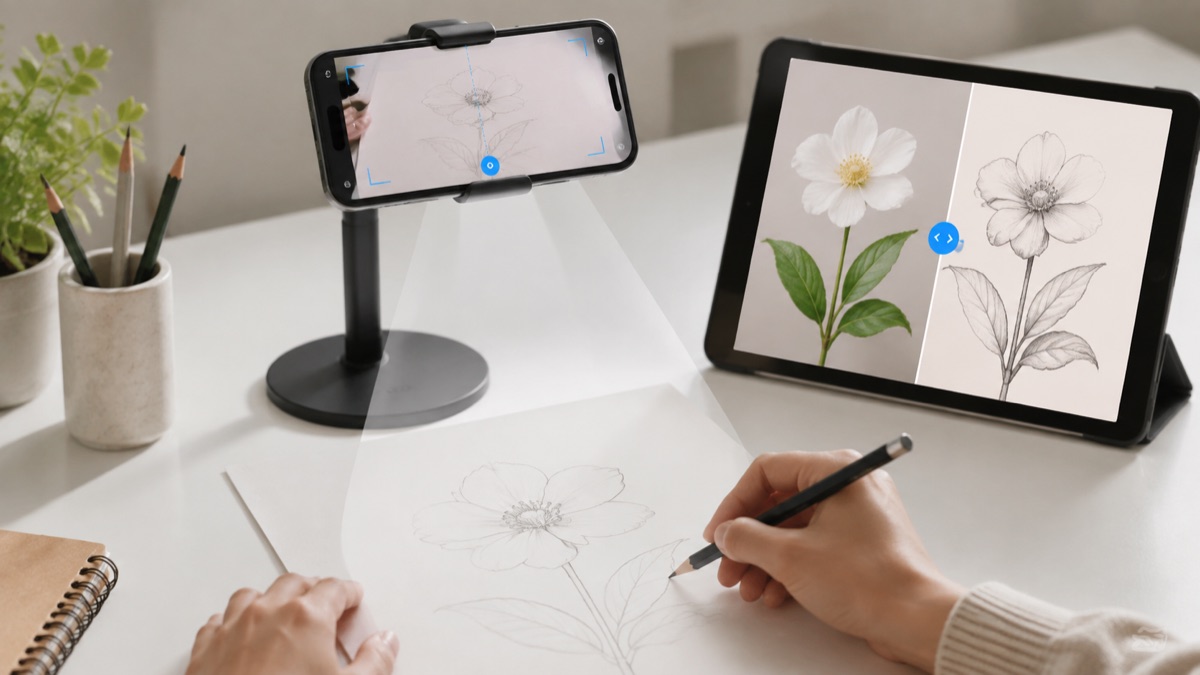
See short @howtodrawapp demos before you install: AR tracing, drawing projector setup, photo-to-sketch practice, anime sketches, and real paper drawing workflows.
Built for people who want a simple path from idea to real drawing practice on iPhone or iPad.
Built for people who want a simple path from idea to real drawing practice on iPhone or iPad.
Built for people who want a simple path from idea to real drawing practice on iPhone or iPad.
Drawing workflow
Photo-to-sketch is most helpful when it becomes a drawing guide, not just an effect. Convert the image, simplify the outlines, and use it for real practice.
Turning portraits into simpler sketch references.
Making pet, object, and tattoo idea outlines easier to draw.
Reducing photo detail before using trace or projector mode.
Creating drawing practice from personal photos instead of generic lessons.
Creates an effect, but often stops before helping the user draw it.
Can be precise, but it is slow for beginners.
Connects photo-to-sketch with tracing, AR guidance, and paper drawing practice.
Users converting personal photos into drawing references
Portrait, pet, object, and tattoo idea sketches
Beginners who need simpler outlines before tracing
Users looking only for social photo filters
People who need professional desktop illustration software
Pick one clear subject in the photo.
Use a clean sketch or outline before tracing.
Avoid busy backgrounds when the goal is paper drawing.
Convert the image, simplify the outlines, then use the result as a drawing guide. It is built for practice, not just a one-time photo effect.
Use one clear subject, strong lighting, and a simple background. Portraits, pets, flowers, cars, and tattoo references work especially well because the final sketch has readable edges for paper drawing.
The workflow focuses on one drawing goal and keeps the App Store action clear on desktop and mobile.
Open the app, pick one reference, trace the structure, then repeat the same subject without tracing. That creates learning, not just copying.
Yes. It is built around photo-to-sketch and drawing workflows.
Yes. Use projector/tracing mode after creating the sketch reference.
No. The goal is to help you draw, not only export a photo effect.
Clear photos with one main subject work best for readable outlines.
The app is universal and supports iPhone and iPad.
Start with the guide that matches this search, then try the kids drawing article for simple ideas parents and young beginners can use today.